Cable
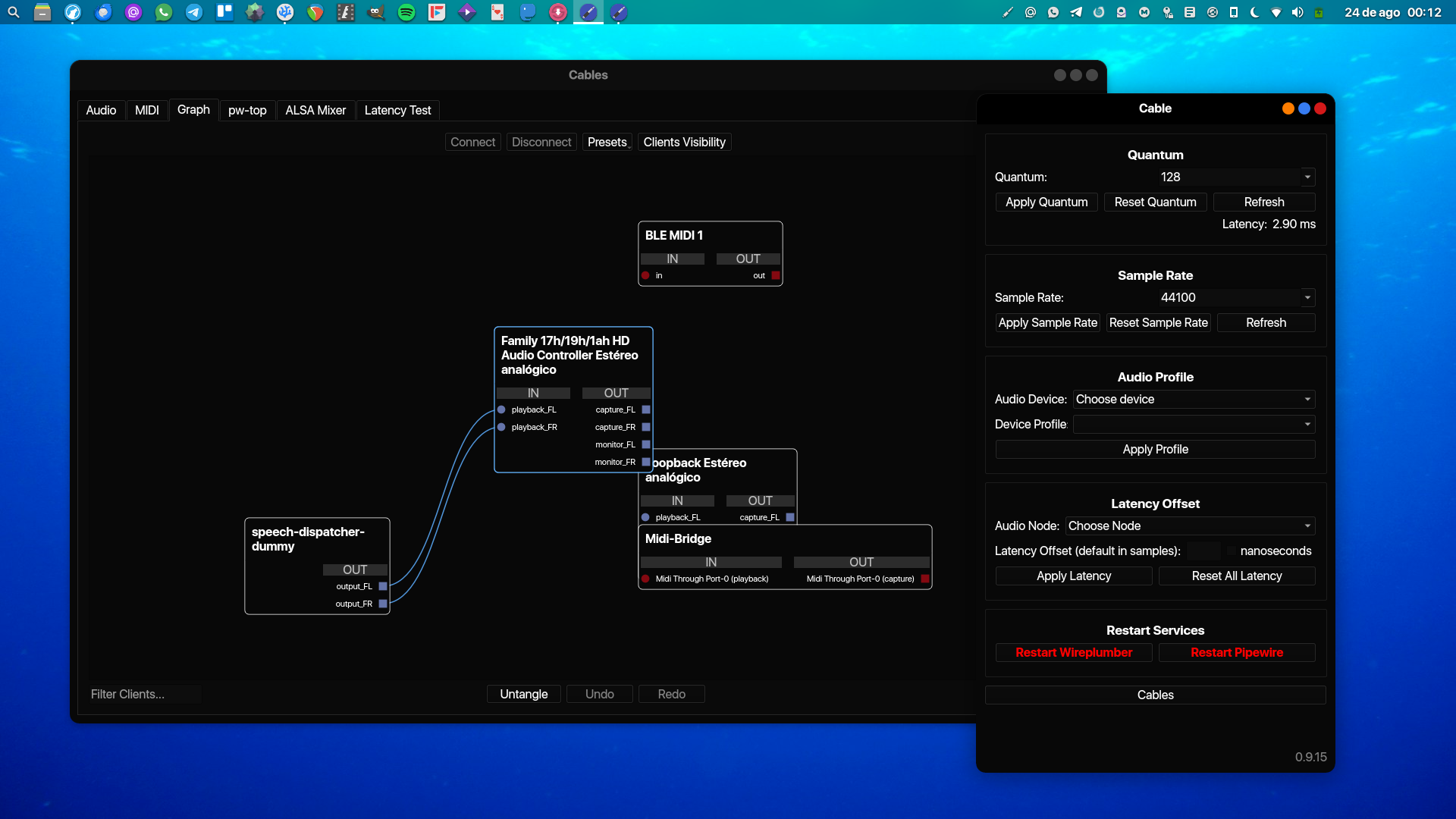
O Cable é uma ferramente de configuração do PipeWire. com ele é possível configurar temporariamente o quantum e o samplerate, além de poder salvar presets, etc.
Ele também tem um patchbay muito útil, que você pode usar pra interligar o áudio dos programas.
#!/bin/bash
set -e
ICON_ORIG='laditools'
ICON_REPL='jack-plug'
source <(curl -sSL https://estudio-debian.pages.dev/functions.lib)
local_papirus_icon
script() {
	TARGET="$(curl -sSL https://api.github.com/repos/magillos/Cable/releases | grep browser_download_url | grep deb | head -n1 | cut -d '"' -f4)"
	download
}
tmprun script
mkdir -p "$HOME"/.config/cable
tee "$HOME"/.config/cable/config.ini >/dev/null <<EOF
[DEFAULT]
tray_enabled = True
EOF
mkdir -p "$HOME"/.local/share/applications
tee "$HOME"/.local/share/applications/cables.desktop >/dev/null <<EOF
[Desktop Entry]
Name=Cables
Exec=pw-jack cable %u
Icon=jack-plug
Terminal=false
Type=Application
StartupWMClass=connection-manager.py
NoDisplay=true
EOF